

Is Cold Email Dead After Google’s Latest Update? Here’s the Real Truth
Google has dropped another update, and for most senders out there the deliverability has dropped by more or less 50%. And of course, this raises one simple question…
Is cold email dead?
Is the whole cold email and lead gen industry going to die down because of this Google deliverability issue?
To answer this properly, we first have to identify the main issue — what exactly did Google change, and what are the best practices we need to apply right now to tackle it?
Let’s break it down.
What Exactly Did Google Change This Time?
Right now, the situation we’re looking at is this:
-
Emails sent from Google to Google
-
Emails sent from Outlook to Google
-
Emails from SMTP providers, sending tools, and warmup tools to Google
Deliverability dropped by 50% across the board.
Previously, if I sent 1,000 emails, I used to get maybe 10 positives.
Right now, sending the same 1,000, we’re seeing like 4–5 positives.
And yes, this happens almost every year:
-
Once around June–July
-
Again around November–December
Why November–December?
Because of the promotional season. Google raises its guard to block spammy messages — all those “50% OFF,” “Free offer,” “Limited time,” “Last chance today,” type of emails.
But here’s the interesting part — even legitimate businesses using fully set-up Google Admin panels get hit, not just new domains.
So no, this isn’t targeted at cold email alone — it’s Google tightening security for everyone.
So Is Cold Email Dead? Not Even Close. You Just Need to Adapt.
Google basically raised restrictions. They do this every year.
Cold email isn’t dead, but the senders who don’t fix their infrastructure will die out.
There are 5 major areas you must lock in right now:
-
DNS, SPF, DKIM, and DMARC
-
Domain age (30–60 days minimum)
-
Stop using open tracking & custom tracking links
-
Reduce email fingerprinting (use heavy word-level spintax)
-
Avoid spammy, promo-heavy copy and hidden HTML
Let’s break these down.
1. Fix SPF, DKIM, DMARC (Mandatory, Not Optional)
This is the foundation.
If your authentication records are not set up properly, nothing else matters.
You’re doing cold email to land in the primary inbox.
If your emails land in spam, your offer doesn’t matter — nobody sees it.
Double-check:
-
SPF
-
DKIM
-
DMARC
-
MX
-
Routing
If you’re using a vendor or sending platform, verify that they configured everything correctly.
2. Give Your Domains Time to Age
We’re seeing Google evaluate domain age more seriously.
Recommended:
-
Use domains aged 30–60+ days
-
Do NOT use fresh domains for cold outreach
-
Warm gradually, avoid blasting too early
You can buy aged domains from many platforms.
They might not be perfectly branded, but the real goal here is deliverability, not how pretty the domain looks.
3. Stop Tracking Opens, Clicks, and Custom Links
Tracking pixels and link trackers are huge red flags right now.
Google doesn’t like:
-
open tracking,
-
custom tracking links,
-
redirects,
-
encoded URLs.
Remove all tracking if you want maximum deliverability.
4. Reduce Your Email Fingerprint Using Word-Level Spintax
This is one of the biggest changes you need to implement.
Most people only spintax lines.
You need to spintax words, not just sentences.
Your cold email must be:
-
Short (50–70 words)
-
Plain text only
-
Heavily spintaxed
-
No links
-
No images
-
No bold, italic, colors, HTML
In tools like SmartLead, Instantly, or Email Bison, always use the Remove Rich Text option to avoid hidden HTML — especially if you copied something from Notion, Google Docs, or ChatGPT.
5. Monitor Mailbox Health & Sending Limits
For example in SmartLead, you’ll see:
-
Green = healthy
-
Yellow = caution
-
Red = stop sending
If your mailbox health drops below 95%, reduce sending immediately.
Example:
If you normally send 10 emails per mailbox per day, drop it to 5 until the health recovers.
Also — build a sending buffer.
If you need to send 2,000 emails/day, build capacity for:
3,000–3,500 emails/day (1.5x buffer)
This is critical if you’re running client campaigns.
You don’t want disputes or angry clients because you ran out of sending capacity.
This Issue Will Likely Settle in 2–8 Weeks
These seasonal deliverability dips typically resolve within 2–8 weeks.
During this period:
-
Don’t panic
-
Don’t shut everything down
-
Don’t overreact
-
Educate your clients
-
Maintain backups
-
Reduce volume slightly
Cold email isn’t dying — it’s adjusting.
6. Validate Your Lead Lists Properly
You should validate your lists:
-
twice minimum
-
three times if possible
-
using different validation providers
Yes, it costs extra credits.
But it prevents hard bounces — which protects your domain health.
Also…
Targeting matters.
If your copy isn’t relevant to the lead, they will mark you as spam.
That ruins your domain reputation faster than anything else.
Final Thoughts: Cold Email Isn’t Dead — But Bad Practices Are
Google didn’t kill cold email.
Google killed:
-
sloppy setups
-
weak domain authentication
-
spammy language
-
identical emails
-
bad list targeting
-
overaggressive tracking
If you follow the best practices above, you’ll stay ahead of the curve and continue landing in the primary inbox even during seasonal updates.
Bonus: Want to Use FluentCRM for Cold Email? Read This First.
I personally love FluentCRM inside WordPress.
But FluentCRM isn’t built for cold emailing out of the box.
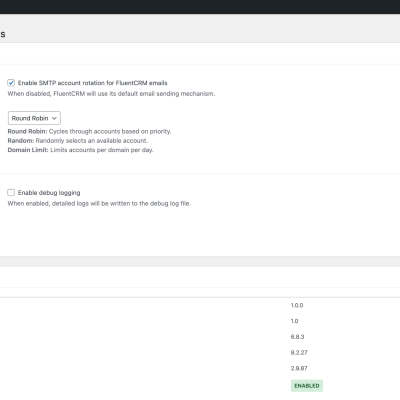
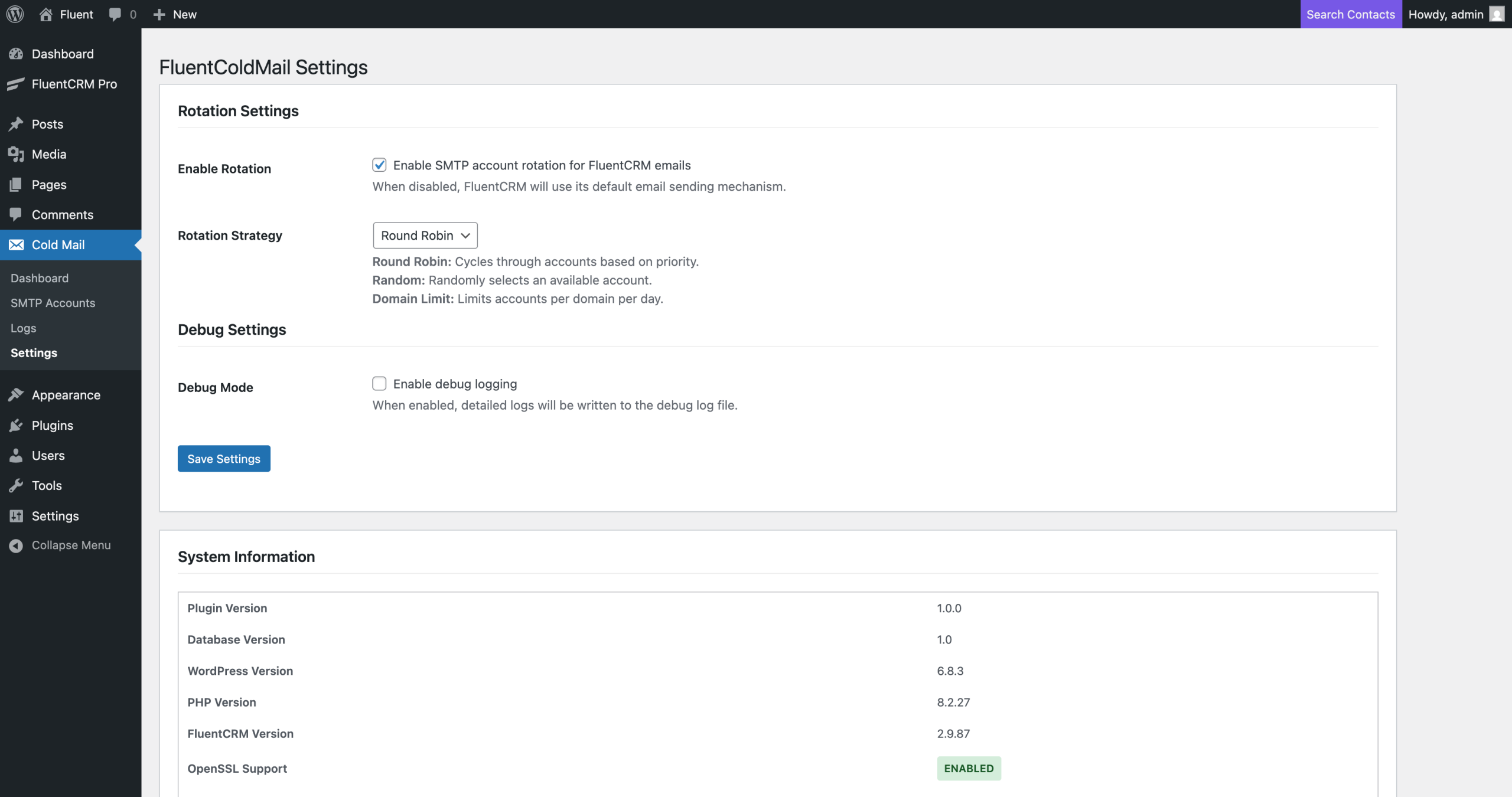
So to avoid any deliverability issues when sending cold email through FluentCRM, I wrote a plugin addon called FluentColdMail — which expands the functionalities of this awesome plugin and makes it cold-email-ready.
This is actually the first WordPress Cold Email plugin ever built accordingly to our research. You will not need any additional SMTP plugin, everything is built in within this plugin. Just make sure to use the above mentioned recommandations for your cold email marketing campaign.
Here’s what it does:
✔ Multiple inbox support (multiple domains + multiple SMTPs)
You can connect several inboxes from different domains and different SMTP providers.
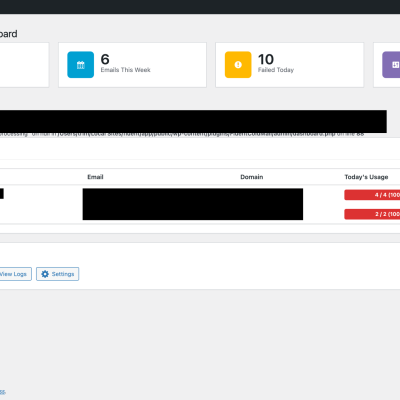
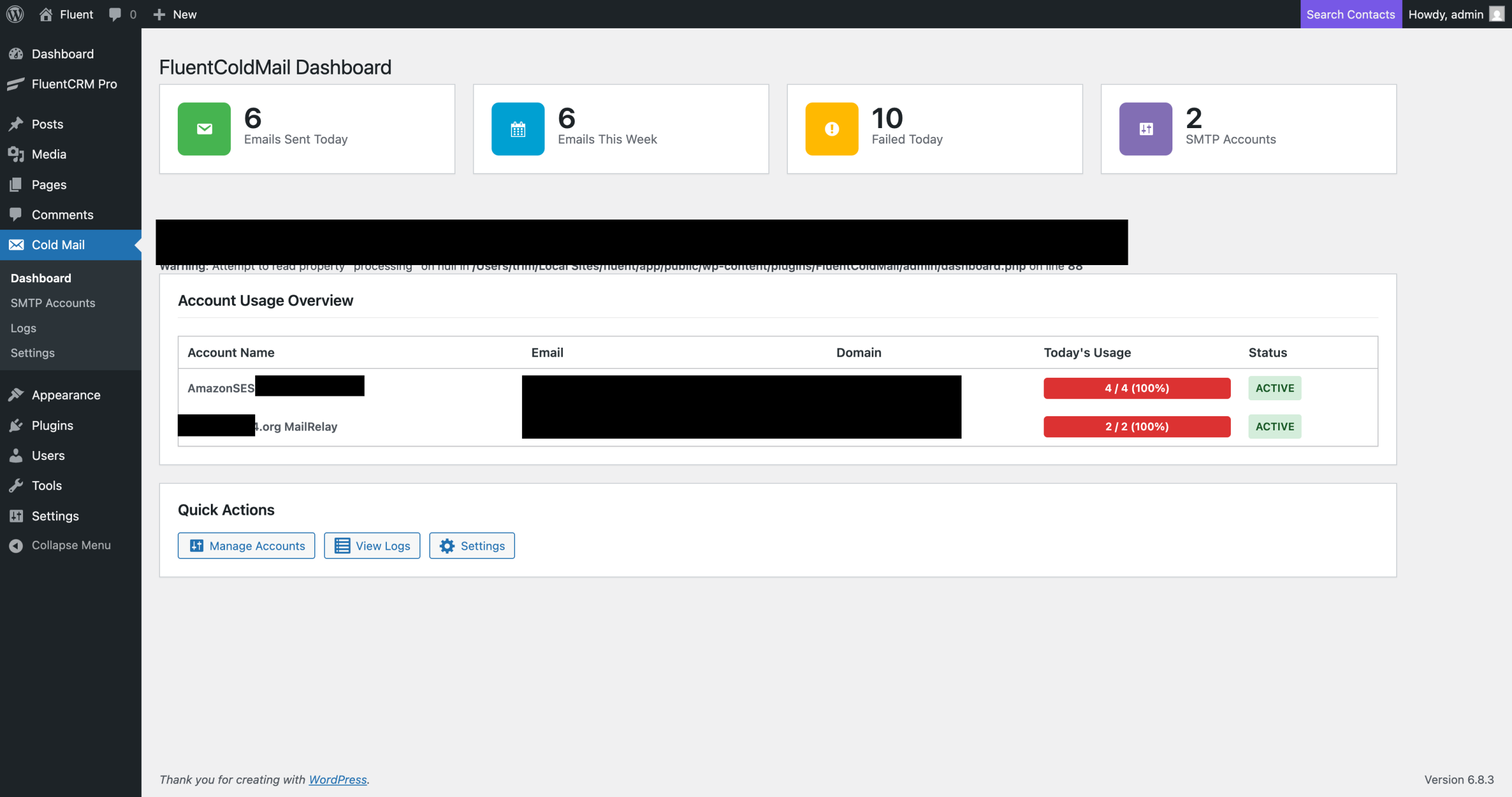
✔ Set sending limits for each inbox separately
For example:
If you set a limit of 30 emails/day for one inbox and the limit is reached, that inbox stops sending automatically for 24 hours.
✔ Automatic sending distribution based on total capacity
If you have 10 inboxes with a limit of 30 emails/day each:
10 inboxes × 30 emails = 300 emails/day
Once the 300 emails are delivered, sending stops — protecting your deliverability.
✔ Auto-resume after 24 hours (+ manual resume button)
If your list has 450 contacts and only 300 were emailed today, the system:
-
automatically resumes after 24 hours, or
-
you can click the manual “Resume Sending” button.
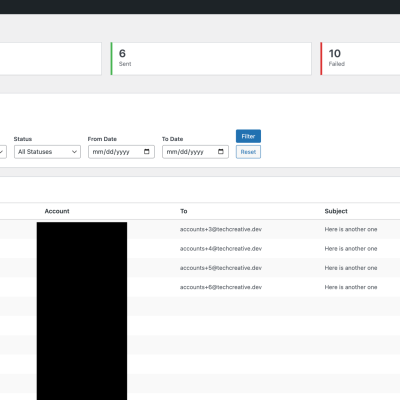
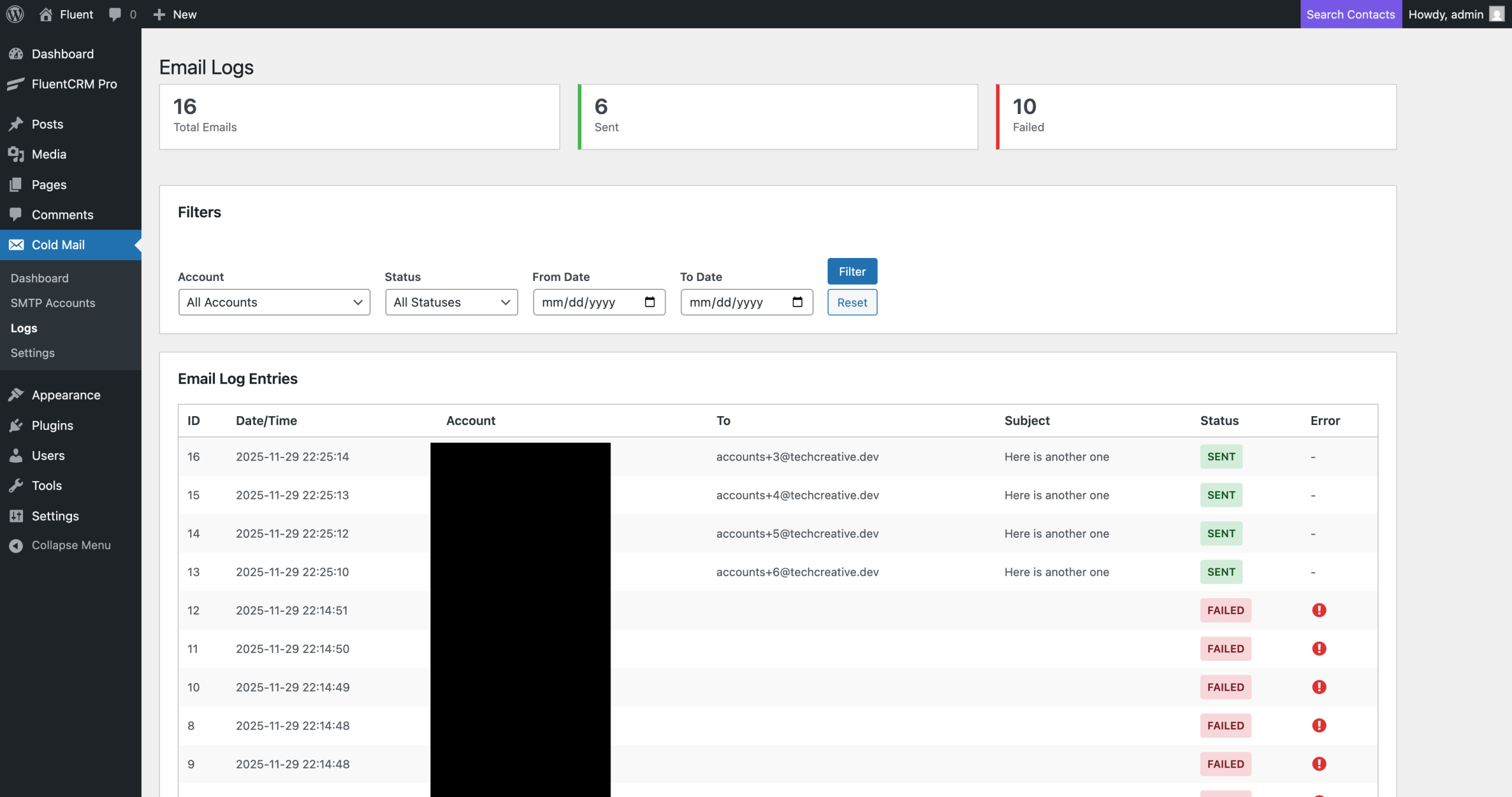
✔ Everything is logged neatly
You get a clean, organized dashboard with:
-
sending logs
-
inbox status
-
delivery stats
-
pause/resume actions
✔ And yes — the plugin is 100% FREE.
You can download it by completing the form below.